POS Billing
Create and settle restaurant orders
Search the menu, add configured options and settle the current bill from one screen.
- Menu search and category browsing
- Configured variants, modifiers and add-ons
- Cash, card, UPI and split settlement
Billing, tables, kitchen, menu, inventory and customers in a single system that keeps working when the internet does not.
Trial begins on activation · No payment card required · See pricing
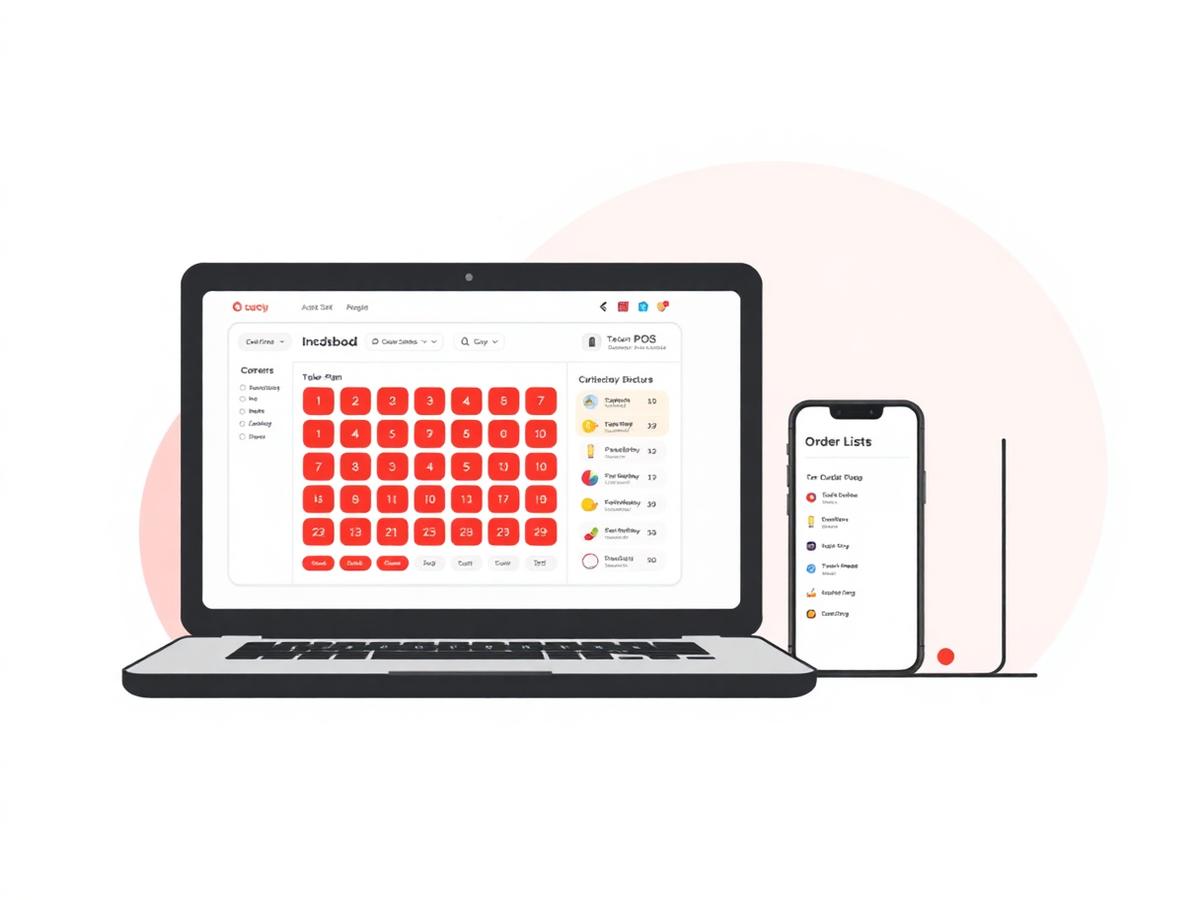
Manage billing, table orders, kitchen tickets, menus, inventory and reports in one restaurant system.
Product focus
What the software is designed to do for your floor. Results vary by outlet — we would rather show you than promise you a percentage.
Keyboard-first search, saved favourites and one-tap KOT are designed to keep the queue moving through peak hour.
Variants, combos and modifiers print straight to the right kitchen station, so the pass reads exactly what the guest ordered.
Recipe-level deduction and low-stock alerts show where raw material is going, without waiting for a month-end count.
Roles, staff logins and task checklists live beside billing, so managers are not stitching together three tools.
Billing, tables, kitchen, menu, inventory and reports share the same restaurant data.
Published plans are priced per outlet, exclude GST and differ by billing frequency.
Configure the restaurant, menu, taxes and tables before the 72-hour trial begins on activation.
Use the enquiry form for questions about Restiqo, plans or setup.
Modules
Restaurant modules that work from the same order, menu and inventory data.
POS Billing
Search the menu, add configured options and settle the current bill from one screen.
Kitchen Workflow
Send kitchen order tickets and move them through the available preparation states when kitchen workflow is enabled.
Table QR Ordering
Each configured table can have a QR code linked to the restaurant's ordering page.
Table Management
Use the table view to open, hold, resume and settle running restaurant bills.
Inventory
Maintain raw materials, purchase prices and recipes using compatible base-unit conversions.
Reports
Review sales, item performance, payment mix and tax summaries for the selected period.
Customers
Store available customer details and review their restaurant order history in one place.
Industries
A QSR counter and a fine-dining floor need different things from a POS. Pick the closest match.
Pricing
There is no stripped-down tier: billing, kitchen, tables, QR ordering, inventory and reports are in every plan. You only choose how often you pay.
Prices are per outlet and exclude GST. Cancel from Settings at any time.
FAQ
Activate a 72-hour trial after email verification and restaurant setup. No payment card is required.