Table-service restaurants
Keep tables, running orders and kitchen tickets connected
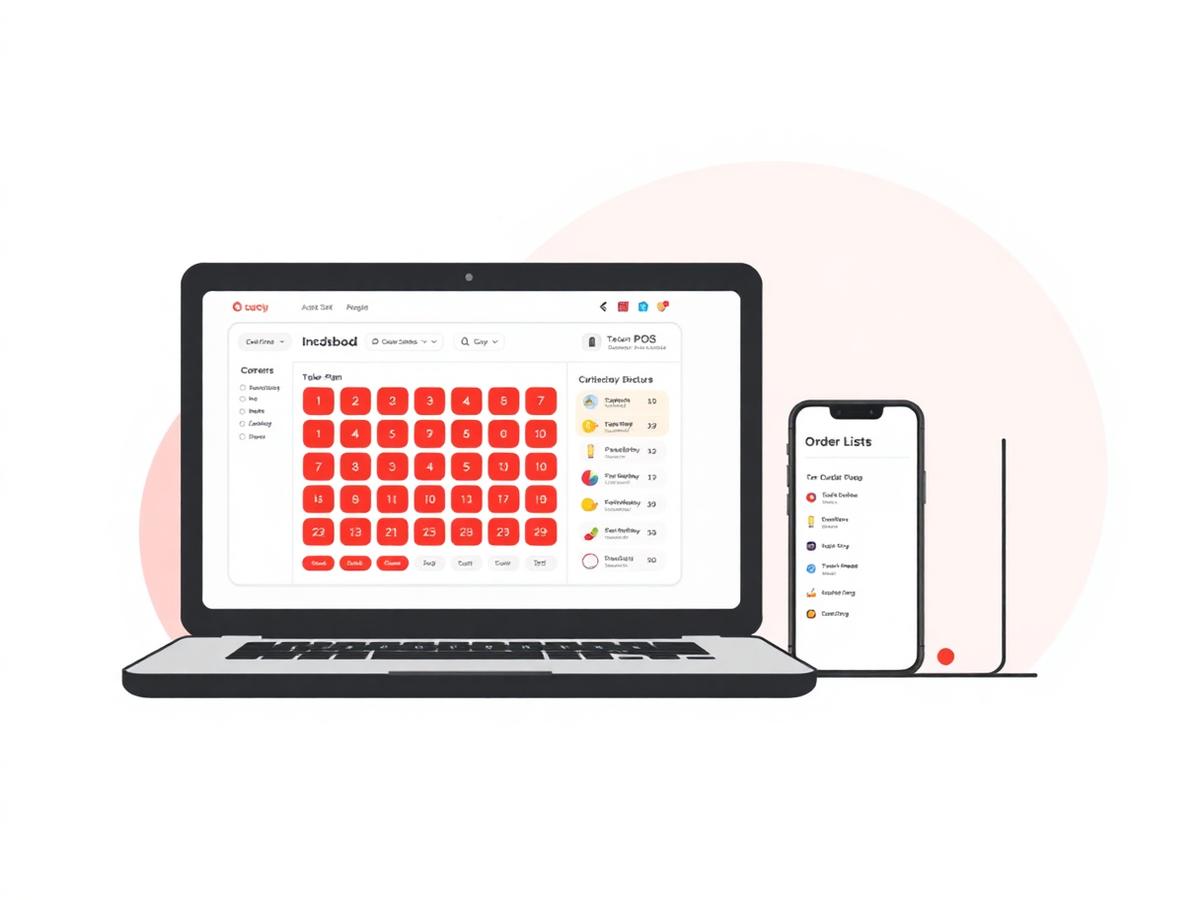
Use a live table view, running bills, KOT status and table QR ordering for day-to-day restaurant service.
Operational challenges
What slows down Table-service restaurants teams
- Running orders can become separated from their table
- Changes between floor and kitchen can be missed
- Guests may want to add items without waiting at the counter
- Mixed payment methods need a clear settlement record
Relevant features
How Restiqo is configured for Table-service restaurants
Live table view
See available and occupied tables with their running bills.
Kitchen tickets
Send item details to the kitchen and track preparation status.
Table QR ordering
Guests can browse the restaurant menu and submit an order from the table QR page.
Invoice record
Settle the order and retain its itemised invoice in order history.
Example workflow
A shift on Restiqo, step by step
Open a table
Start or resume the running order from the table view.
Add items
Enter items at the POS or receive a table QR order in the restaurant queue.
Prepare the order
Use the KOT workflow to track preparation status.
Settle and invoice
Record payment, close the order and create its restaurant invoice.
Benefits
What changes for your Table-service restaurants outlet
- Tables and running bills stay linked
- Kitchen status is visible to the restaurant team
- Guests can use the restaurant's own table QR flow
- Completed invoices remain available in order history
FAQ
Table-service restaurants questions we get asked
Ready to try Restiqo in your restaurant?
Activate a 72-hour trial after email verification and restaurant setup. No payment card is required.