Quick service restaurants
Keep counter orders and kitchen tickets moving together
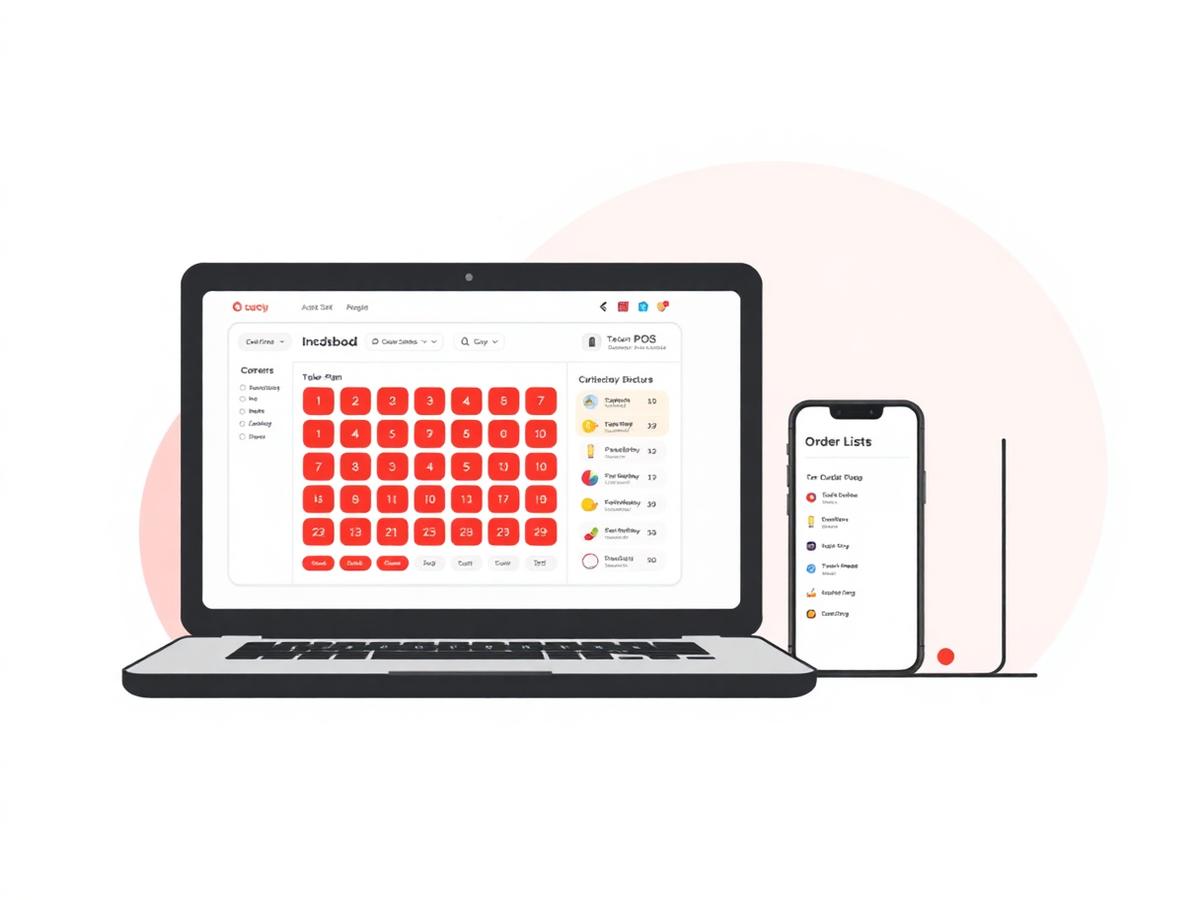
Restiqo brings counter billing, modifiers, kitchen tickets, payment recording and restaurant reports into one workflow.
Operational challenges
What slows down Quick service restaurants teams
- Queues build when order entry takes too many steps
- Modifiers and add-ons can be missed between counter and kitchen
- Payment totals are difficult to reconcile at the end of a shift
- An internet interruption should not stop counter billing
Relevant features
How Restiqo is configured for Quick service restaurants
Fast order entry
Search menu items and add configured modifiers from the billing screen.
Kitchen workflow
Send KOTs into the preparation queue and update their status.
Flexible settlement
Record cash, card, UPI or split payments and generate the invoice.
Offline billing
Continue local billing during an interruption and sync queued work later.
Example workflow
A shift on Restiqo, step by step
Enter the order
Add menu items, quantities and configured modifiers at the counter.
Send the KOT
The order enters the kitchen workflow with its token and item details.
Update preparation
Kitchen staff move the order through its available preparation states.
Settle the bill
Record payment and create the restaurant invoice.
Benefits
What changes for your Quick service restaurants outlet
- Counter and kitchen share the same order details
- Payment methods remain visible in reports
- Recipe-linked stock movements are recorded
- Billing can continue during a temporary outage
FAQ
Quick service restaurants questions we get asked
Ready to try Restiqo in your restaurant?
Activate a 72-hour trial after email verification and restaurant setup. No payment card is required.